SUNDIALBETA

Days, tasks and notes. Yours.

Sundial is a calendar, to-do and daily-notes app for Windows and Linux, and the same app runs in your browser. Your data lives on your own device. Sync between devices is optional and end-to-end encrypted, on a server in Switzerland. Sundial is in beta.

Download for Windows Download for Linux Open in your browser
Windows will warn once because the app is not signed yet: More info, then Run anyway.
Linux: rpm for Fedora and openSUSE, deb for Ubuntu, Mint and Debian, AppImage for anything else. The AppImage updates itself.
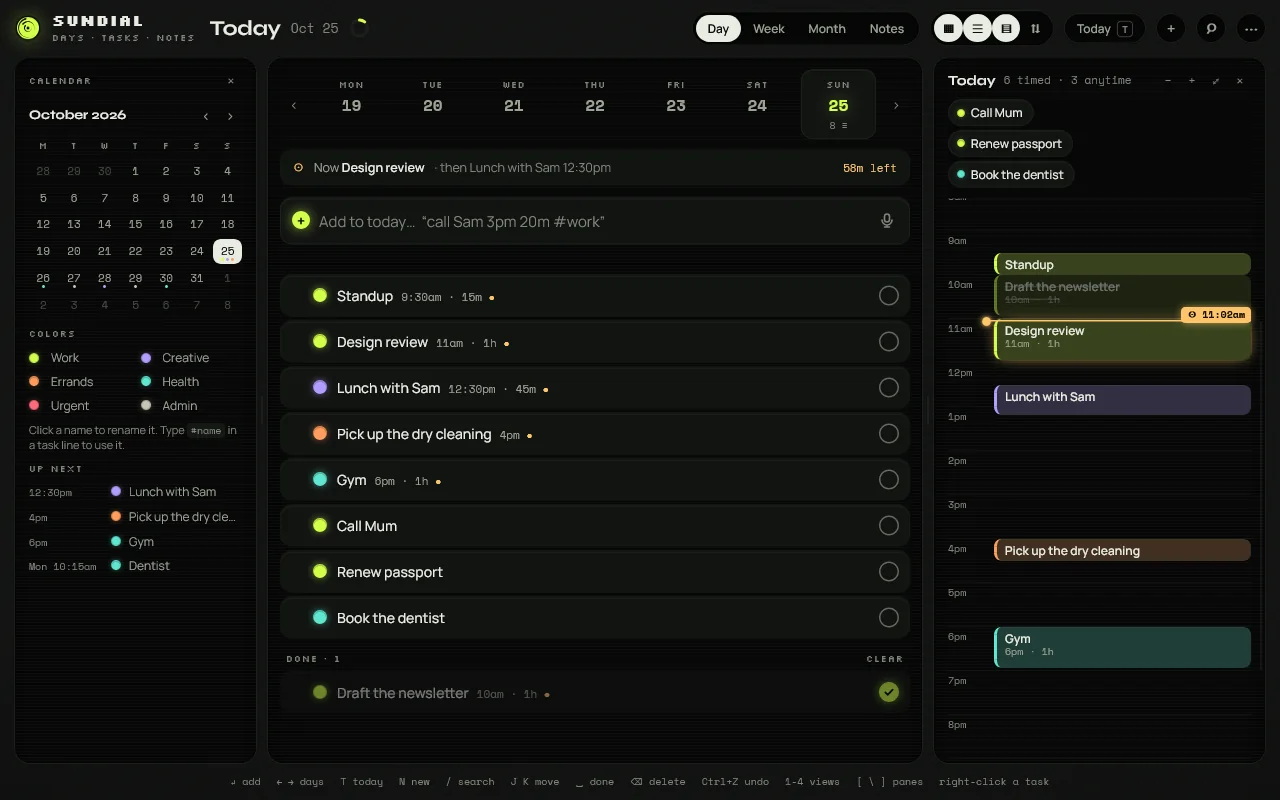
Sundial on a desktop: the month calendar and colour legend on the left, the day's task list in the middle with a quick-add line, and the timeline on the right with the current time marked
One window for the day: calendar, the task list with a one-line add box, and the hour timeline with untimed tasks parked above it. Drag a task onto an hour, or stretch a block to how long it takes.
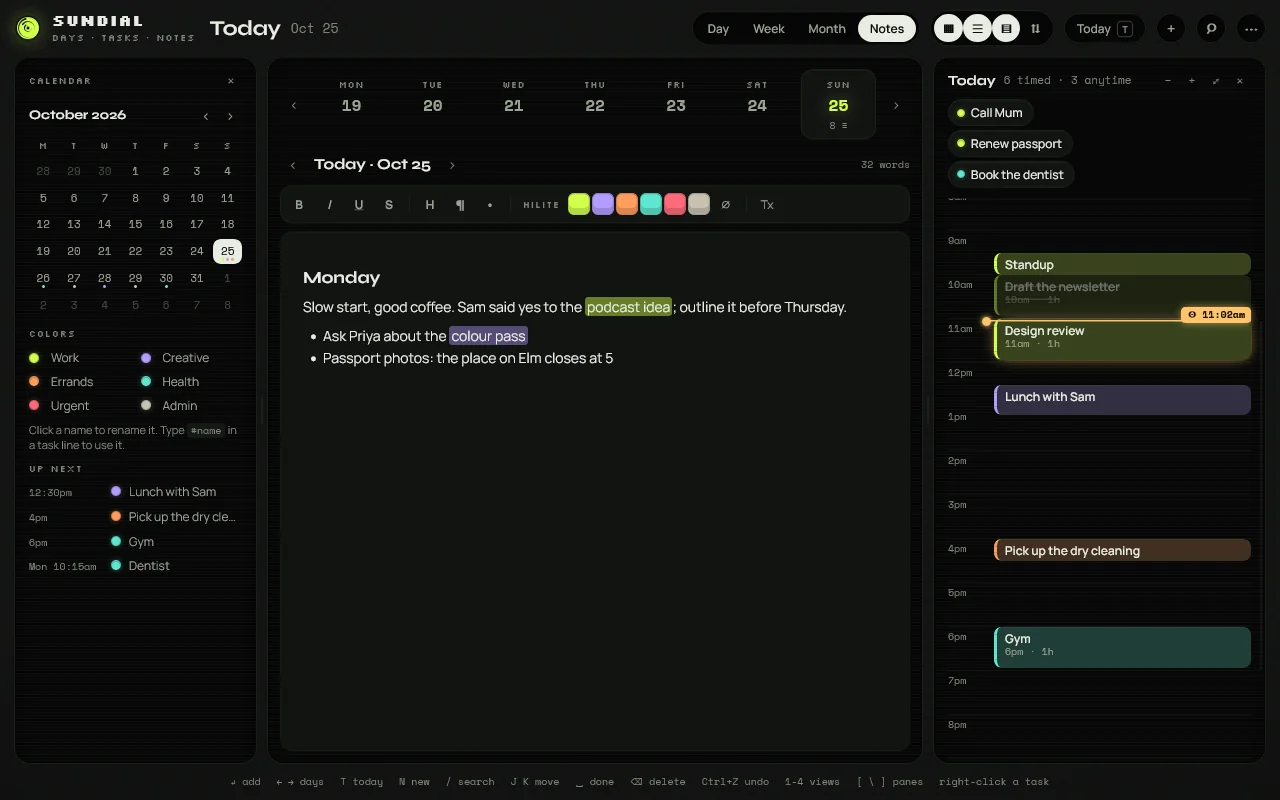
The notes view: a page for the day with headings, highlights in the six colours and a short list
A page of notes for every day, with highlights in your six colours.
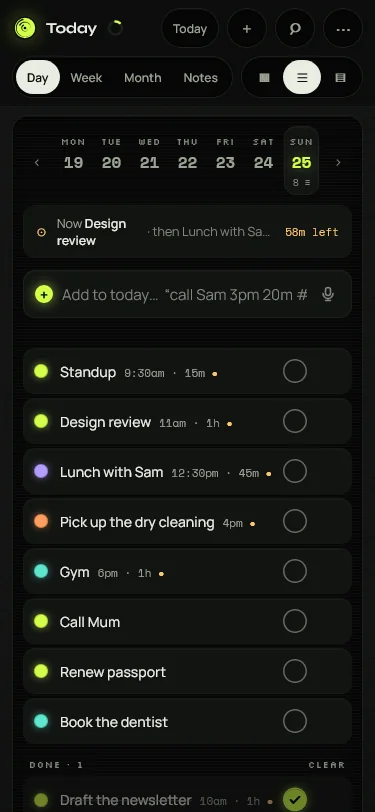
Sundial in a phone browser: the same task list in a single column
The same app in your browser, on a phone too. Sign in and it syncs with your PC, end-to-end encrypted.